PixHolm
FREE ONLINE IMAGE, COLOR & DEVELOPER TOOLS

Finish image, colorand developer workin your browser.

Compress, resize and convert images, find colors, build accessible palettes and CSS gradients, compare code, generate passwords, and share finished files.

Start instantly. No account, no payment, and nothing quietly stored behind your back.

FEATURED TOOLImage OptimizerExplore tool
  • No accountNothing to sign up for
  • No paymentEvery tool is free
  • Nothing to installRuns in the tab
Engineered for creators and developers

Fast in your browser. Private by default.

Four decisions shape the engine: most work happens on your machine, the tools open without ceremony, nothing is kept, and everything exports in a format you can ship.

01/04
Local performanceWork starts instantly

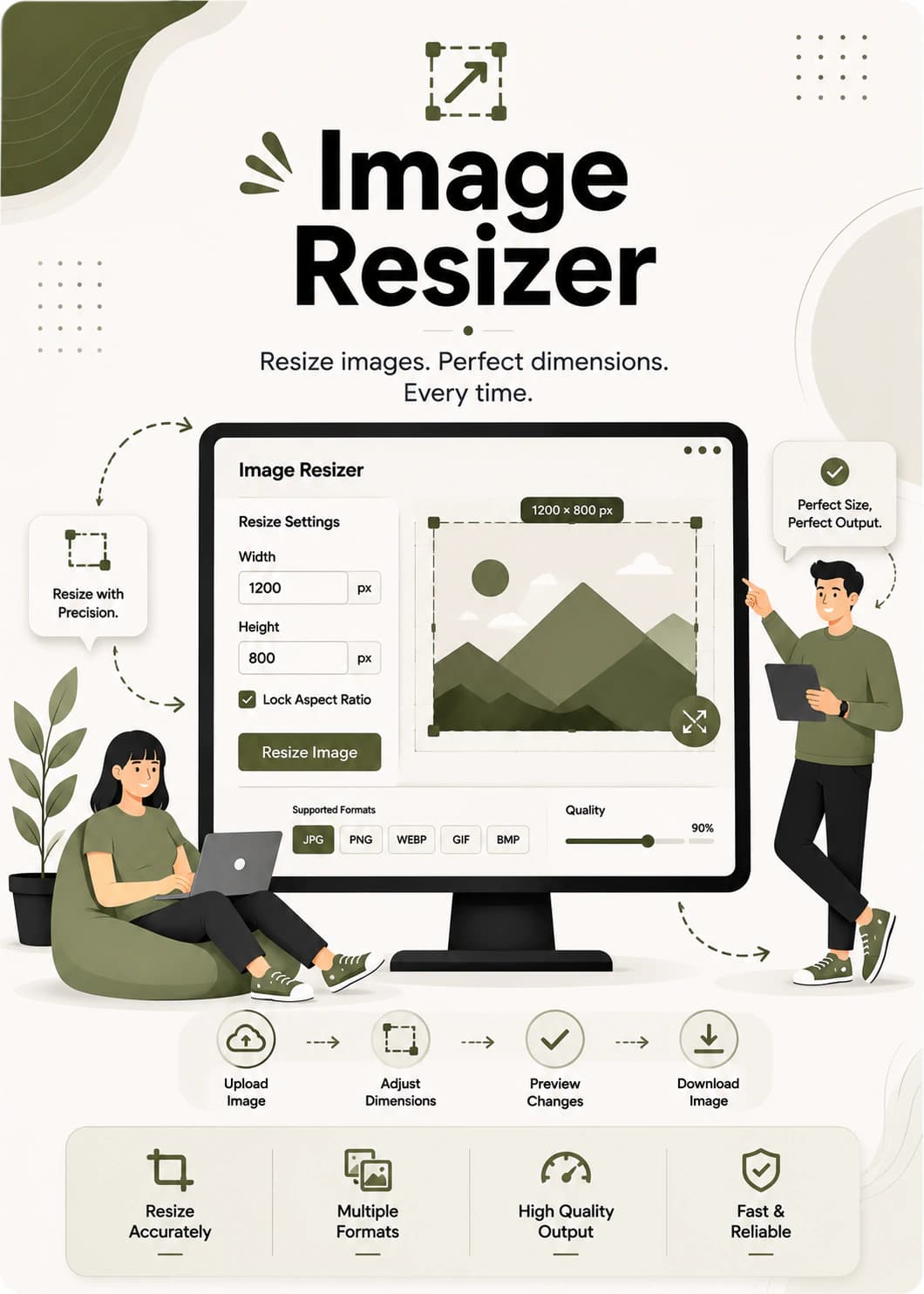
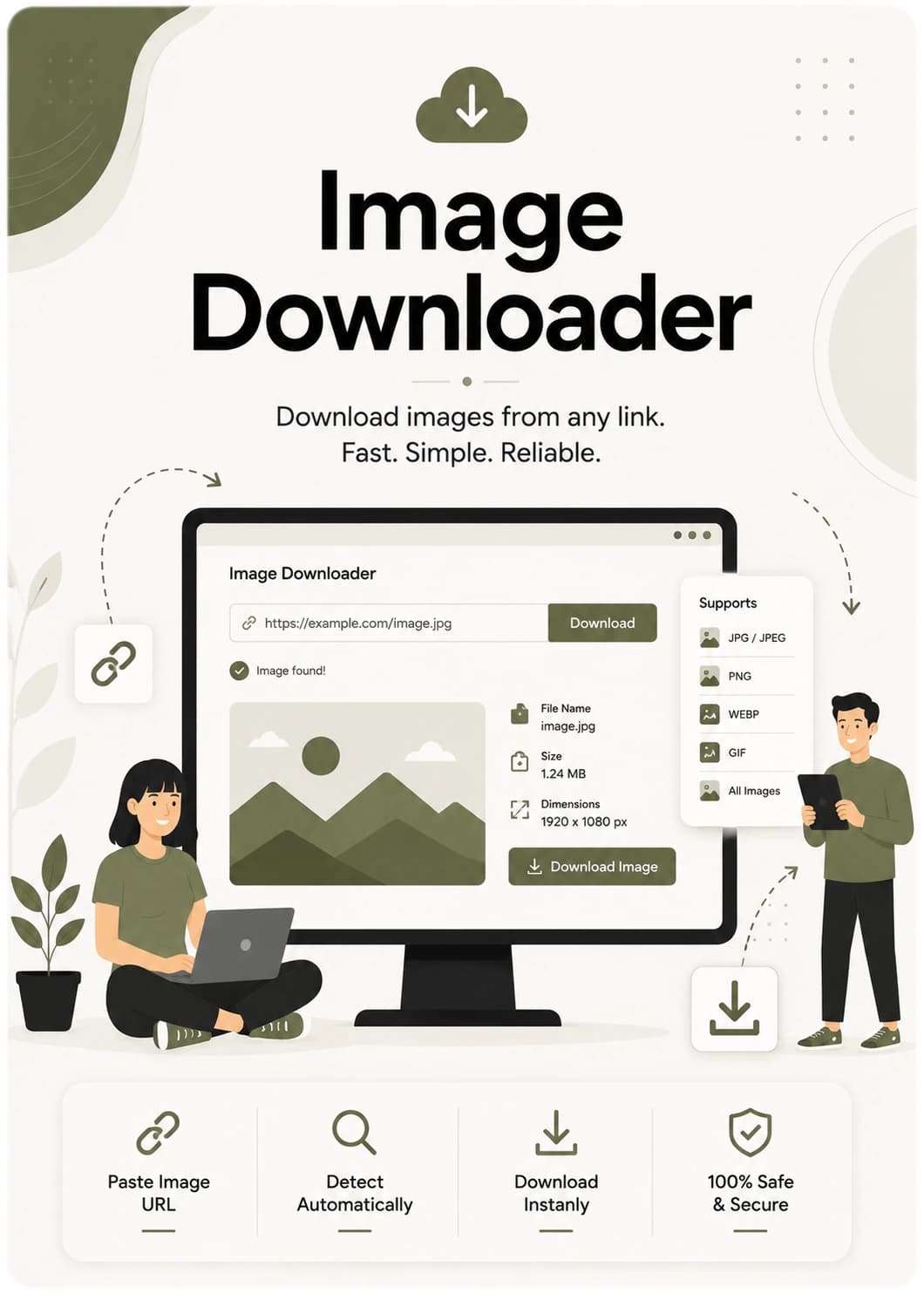
Colour tools, the resizer, the diff checker and password generation compute in your browser with Canvas APIs. The optimizer and converter stream uploads to a short-lived private working directory for encoding; the downloader fetches public page URLs on the server.

Every tool, feature by feature

A closer look at the tools that get the work done.

See how the Gradient Generator, image compressor, file sharing and password tools work — with practical details and the limits that matter before you start.

Selected workflow

Gradient Generator

Build polished linear, radial, conic and repeating gradients, then copy production-ready code without leaving the browser.

Open tool
  • Three preset moods

    Start with a normal, transparent or creative gradient and shape it to fit the page.

  • Layered compositions

    Stack gradients, tune opacity and blend modes, and build richer backgrounds than a single colour sweep.

  • Fine-tune every stop

    Adjust colours, stop positions, angles and gradient centres in the live editor.

  • Optional animation

    Switch motion on when the design needs it, then preview and adjust the result.

  • Useful export formats

    Copy CSS or export Tailwind, SCSS, SVG and a standalone HTML version.

  • Preview while you work

    See the full gradient surface update as colours, layers and settings change.

Three things that hold for every tool here

Free browser tools, and how they behave

Short desk notes rather than endorsements — each one can be checked against the tools themselves.

Image compression
Shrink a photo to a fraction of its weight and still ship it sharp. PNG, JPG, WebP and AVIF, up to 20 images at once, each one compared side by side against the original before you download it.
Compress an image
File sharing
Send a 5 GB file without an account and without an inbox limit. Recipients get a link, a six-digit key they can be read out loud, or a QR code that opens the download straight on a phone.
Send a file
Where your files go
Resizing, colour work, CSS gradient building, diffing and password generation stay in the tab. Image uploads are streamed through a private temporary working directory for encoding, then removed after the response. Files you deliberately share through FileDrops are the only files kept beyond processing.
Read our privacy approach
Notes from the knowledge base

Pro tips, by discipline

Hand-written notes on the disciplines behind the tools — one long read and two short ones per shelf, with the code printed as a terminal.

Next.js image optimization, generateStaticParams examples, ISR revalidation, caching, and Server Components.

Next.js knowledge base ↗
IntermediateRead the guide

Use generateStaticParams for dynamic routes

Pre-render dynamic pages at build time instead of on every request to dramatically cut TTFB.

next-js · snippet
export async function generateStaticParams() {  const posts = await getPosts();  return posts.map((p) => ({ slug: p.slug }));}


Browse the knowledge base
The short answers

Find the answer before you start.

Browse the topic that matches the job. Every answer explains what happens to your files, which limits apply, and what you can do without creating an account.

Read every question
How do I compress an image without losing quality?

Open the image optimizer, drop your file in, and move the quality slider until the size and the sharpness balance the way you want. You compare the compressed result against the original side by side before downloading, so you can see exactly what the saving costs. It handles up to 20 images at once at 10 MB each, and exports PNG, JPG, WebP or AVIF.

How do I convert a PNG to JPG?

The image converter turns PNG, JPG, WebP, AVIF and GIF into one another, and accepts HEIC/HEIF inputs for conversion to those outputs — 30 conversion pairs in all. Choose the pair you need, drop in files up to 24 MB each, and download the converted set or take everything as a ZIP. Animated GIFs keep their animation, and transparency is flattened only where the target format cannot hold it.

From the notebook

Guides on image weight, colour and faster pages

The long-form half of the site: why image weight costs you rankings, how colour systems hold together, and the odd performance teardown. Written when a job turned up something worth keeping.

Latest articles

  • Color & Design30 Oct 2026 · 5 min

    Color of the Month: Harvest Earth — October 2026

    An autumn-inspired palette of Forest Olive, Burnt Terracotta, Harvest Gold, Warm Cream, and Deep Cocoa—with practical ideas for using each HEX value in web, brand, interior, and packaging design.

  • Website Performance1 Oct 2026 · 5 min

    Best Free Developer Tools Online for Faster Websites

    Discover the best free developer tools online for optimizing images, comparing code, compressing files, and improving website performance—so you can build faster, lighter, and more efficient websites.

  • Image Optimization2 Sept 2026 · 8 min

    How to Build a Repeatable Creative Asset Pipeline

    The seven steps that turn a pile of exports into a process anyone on the team can run: masters, naming, resize before compress, convert last, deliver on a link that expires.