
Quick answer
What is Image Downloader?
Download images from webpage URLs by scanning a public page, previewing discovered assets, selecting the files you need, and saving original image assets when available.
Image Downloader
Find and download images from a public webpage.
Image Downloader
Paste a webpage link to collect its images, preview the results, and download only what you need.
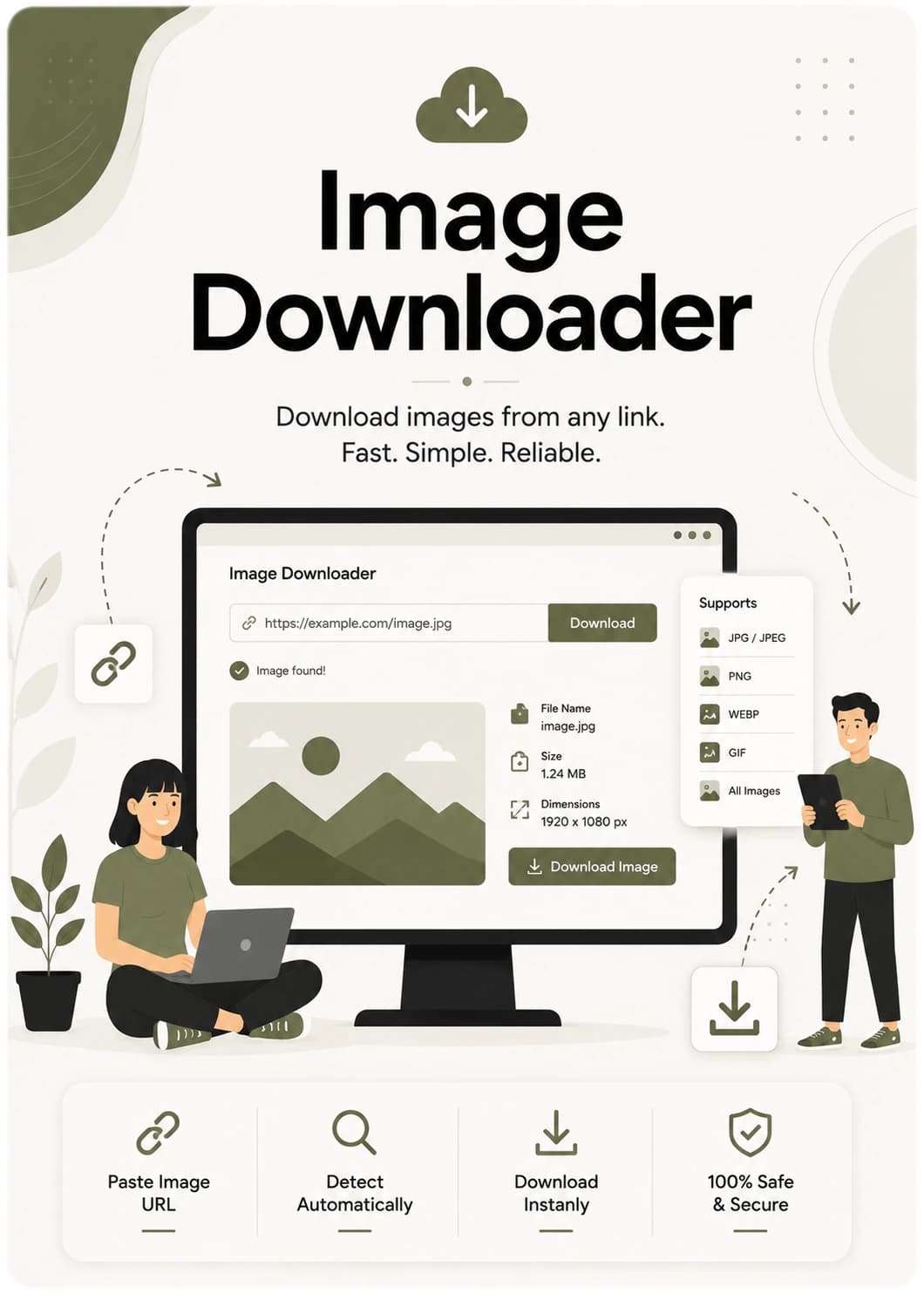
Quick answer
Download images from webpage URLs by scanning a public page, previewing discovered assets, selecting the files you need, and saving original image assets when available.
Guide
Download images from webpage URLs by scanning a public page, previewing discovered assets, selecting the files you need, and saving original image assets when available.
Scan a webpage and review discovered images before choosing what to save.
Download one image, selected images, or a full group depending on your project needs.
The downloader aims to keep source image quality instead of recompressing files.
Use downloaded images only when you own them, have permission, or they are licensed for your intended use.
Related tools
Jump into the next useful tool with a quick dock-style shortcut.
Image
Image
Image
Questions, answered
Quick answers to the most common questions about using this tool in real browser workflows.
Still need help? Contact us